
Pre-requisites
- Constant Contact account
- The account must have a verified email address
- Profile must be 100% complete
- A physical address must be set in the profile
- Newsletter Glue plugin and license
- WordPress site with Newsletter Glue plugin already installed
Integrate during Newsletter Glue onboarding
Go through onboarding to get your API key
After activating the Newsletter Glue plugin, you’ll be taken to our onboarding wizard. Enter your license key to activate your license. Then, connect your email service provider.
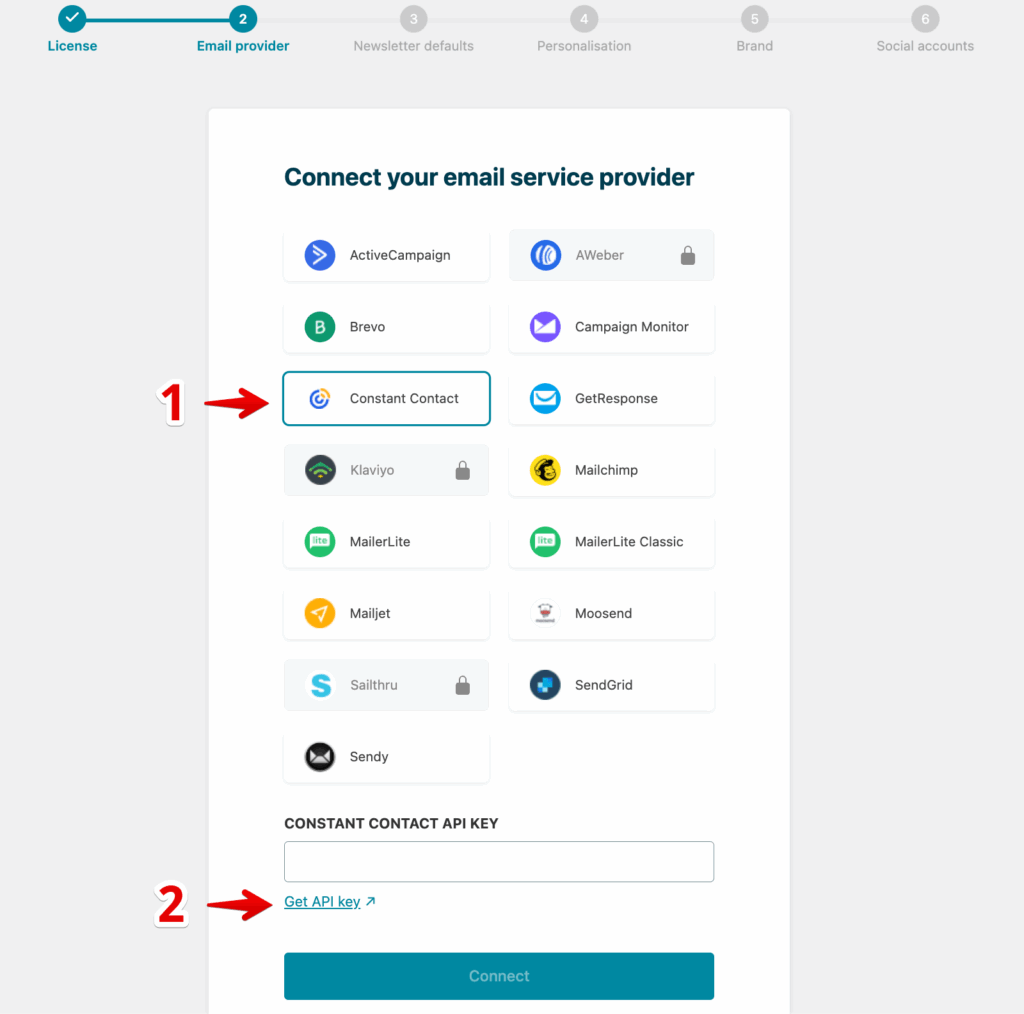
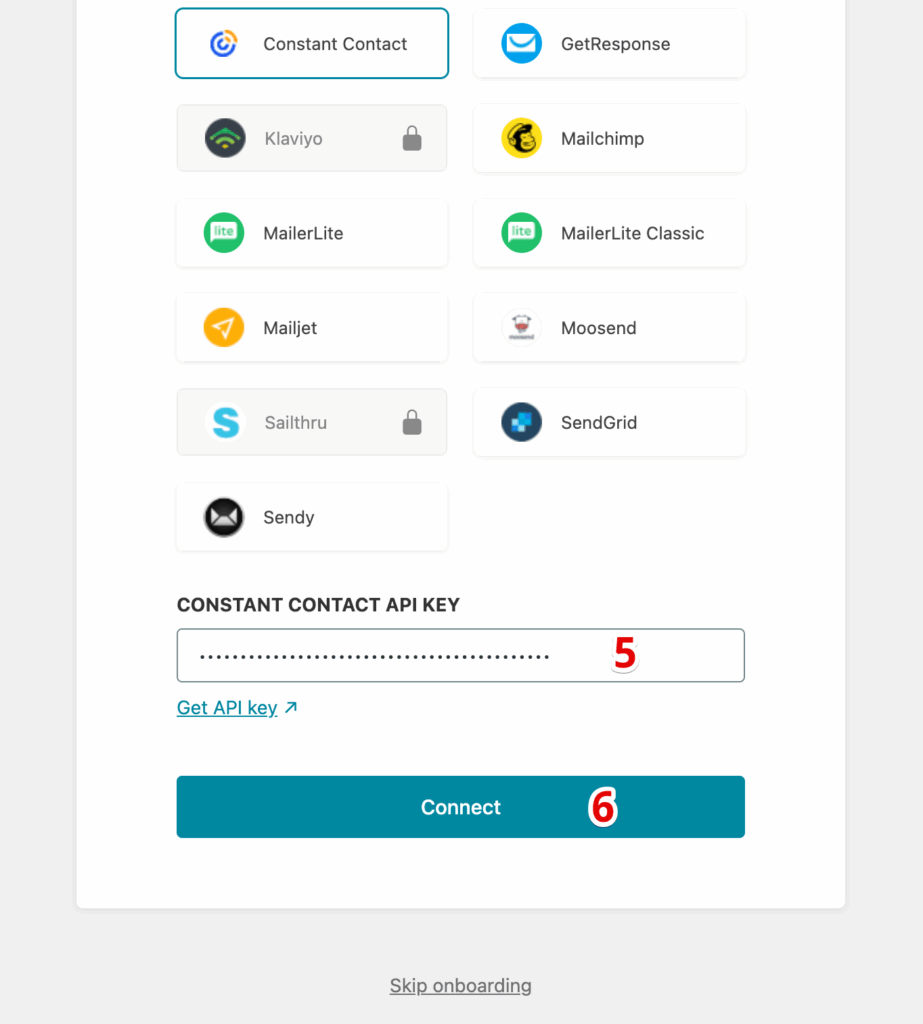
- Select Constant Contact from the Email service provider options.
- Click on Get API key.
3. Login to the Newsletter Glue OAuth 2.0 integration.
4. Copy your single use API key. You can make only one connection request with it. If anything wrong during the connection steps, please start from the step #1 again.
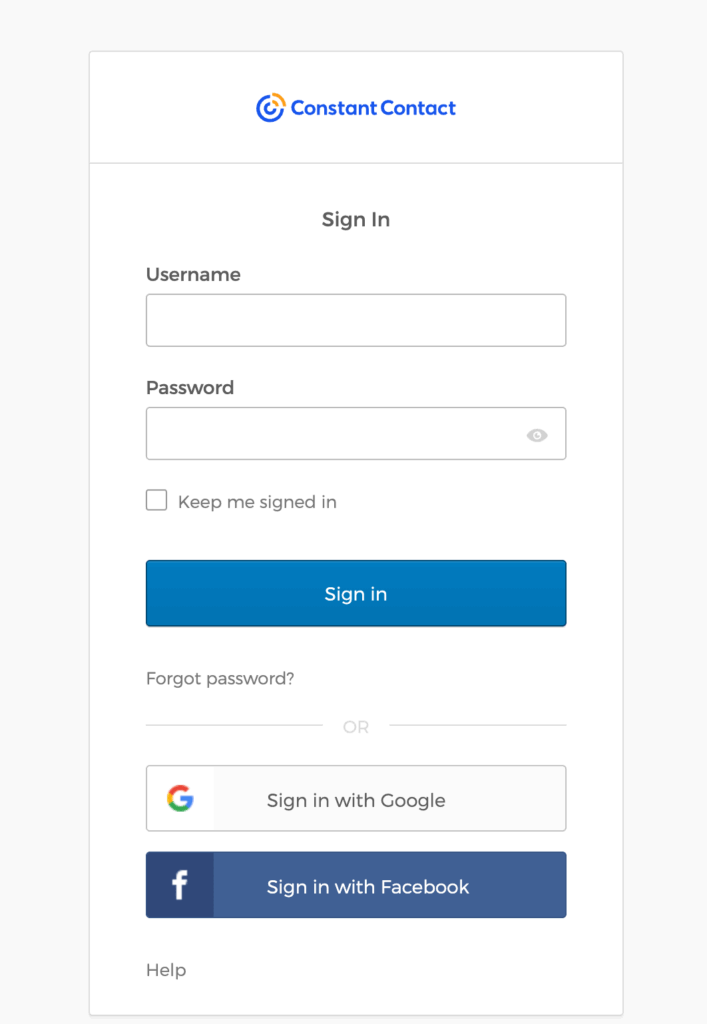
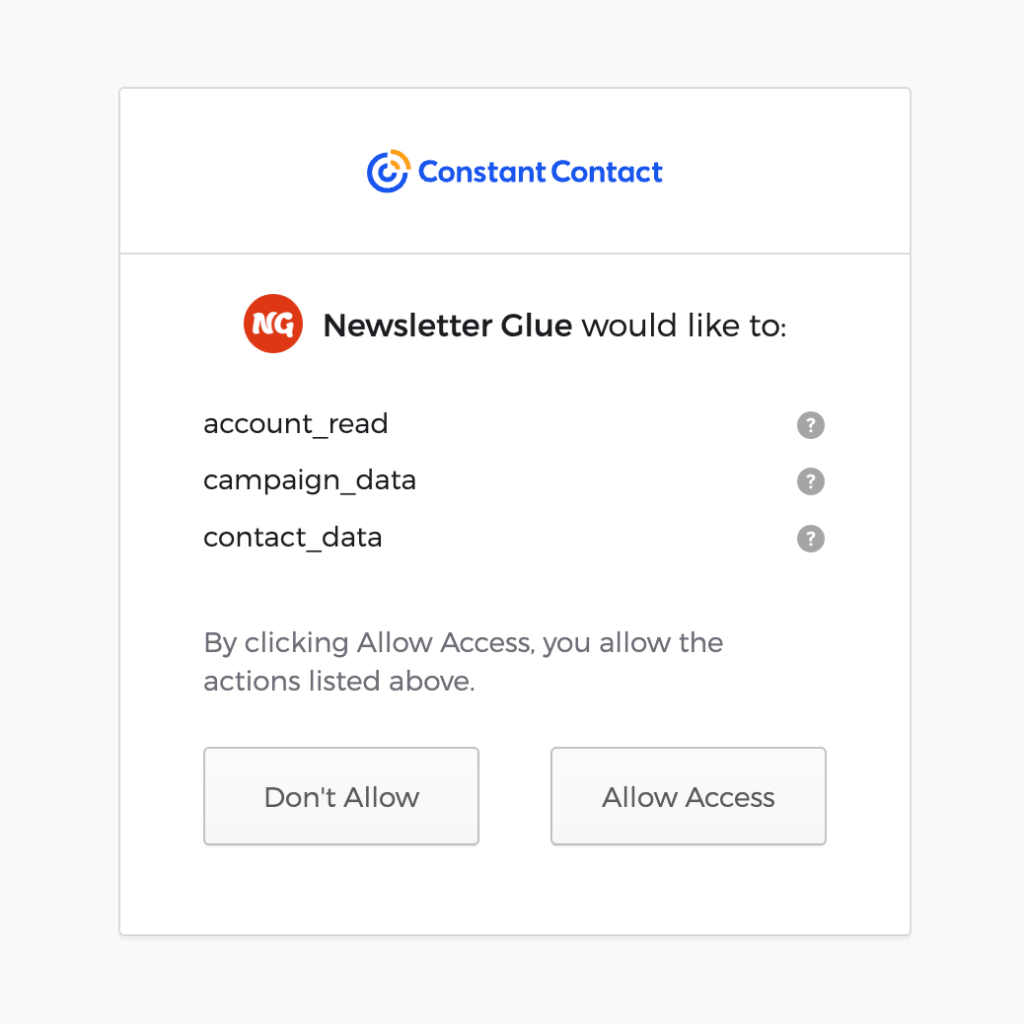
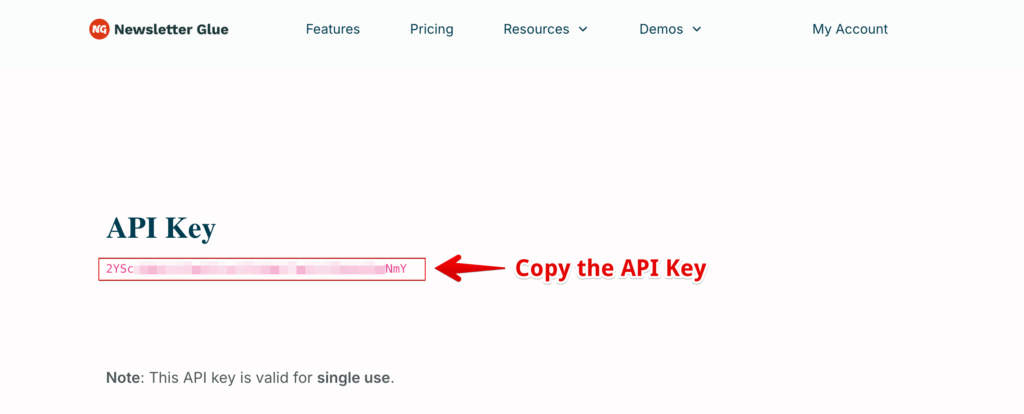
5. Head back to the onboarding wizard, and paste your API key.
6. Click on Connect.
7. Done! You’ll be able to select your email defaults and customise your newsletter and complete the onboarding wizard.
Integrate from Settings -> Connections
Step 1: Login to your WordPress admin and head to Newsletter Glue settings
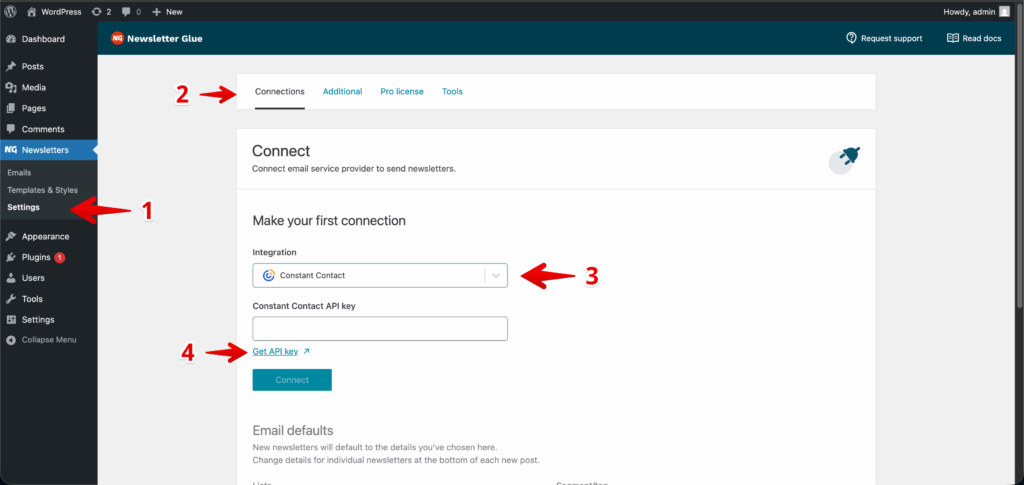
1. Login to your WordPress admin and head to Newsletters > Settings > Connections
2. Then, select Constant Contact from the Integration dropdown options
3. And click on Get API key underneath the Constant Contact API key field
Step 2: Enter your API key and connect
1. You’ll be taken to a Newsletter Glue OAuth 2.0 integration
2. Login using your Constant Contact account details.
3. Copy your API key
4. Back in Newsletter Glue settings, enter your API key
5. Click Connect
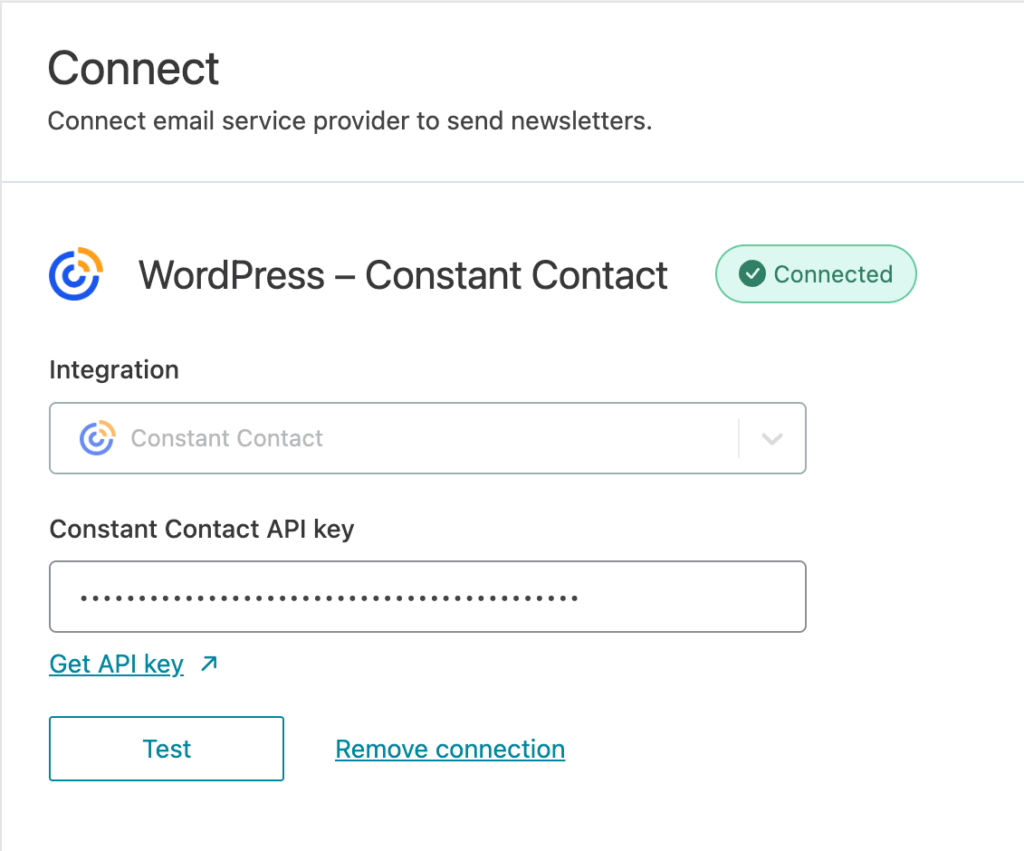
6. Success! You’ll see Connected status next to Constant Contact.
Email Sending Rules
- You can send campaigns to lists or segments, but not both together.
- You may select multiple lists at a time, or multiple segments, but not a mix of both.
- If you select both lists and segments together, the campaign will be sent only to the segments.