
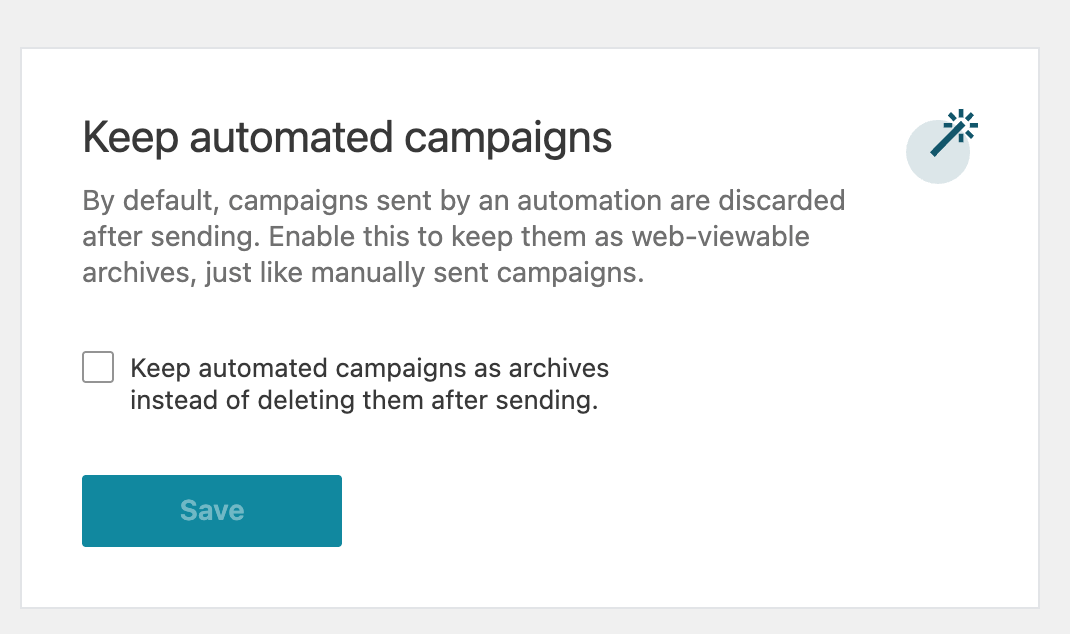
By default, a campaign sent by an automation is deleted once it has been sent. Turn on Keep automated campaigns to keep each one as an archive, just like a campaign you send yourself.
How to turn it on
- Go to Newsletters > Settings > Additional.
- Under Keep automated campaigns, tick Keep automated campaigns as archives instead of deleting them after sending.
- Click Save.
Why turn it on
- “Read in browser” links keep working. Subscribers can open the web version of an automated email after it’s sent.
- Accurate automation log. The log shows each email’s real subject line.
- A record of every send. Automated campaigns stay in your Campaigns list alongside your manual ones.
The setting applies to automated campaigns sent from then on. Campaigns that were already deleted can’t be recovered.
Keeping your Campaigns list tidy
Archived automated campaigns can make your Campaigns list grow quickly. Use the Manual and Automated filters at the top of the list to show only one type. Each filter shows how many campaigns it contains.