
What’s your license key for and why you need one
Your license key is necessary for 3 things:
- Unlock Newsletter Glue features
- Get plugin updates
- Get priority support from our team
Where to find license key
When you purchase Newsletter Glue Pro, you will automatically be given a license key. Here’s where you can find it:
1. Email
You should be able to find your license key in the purchase confirmation email you receive from us.

2. Customer account dashboard
You can also find your license key in your customer account dashboard.

Where to add license key
1. Onboarding

At the start of our onboarding wizard, you’ll be prompted to add your license key.
2. Settings
If you didn’t add it during onboarding, you can also add it in Settings under the Pro license tab.

Expiry of license keys
License keys are set to expire at the same time as your subscription. When you renew your subscription each year, your license key automatically renews and you will continue to get updates to the plugin. If your license key expires, you will no longer be able to access certain features, get updates or request support.
What needs an active license
From Newsletter Glue 4.3, these features need an active license:
- Sending newsletters, including test, scheduled and automated sends.
- The “view in browser” web version of your newsletters.
- Connecting an email service provider.
If your license is invalid, expired or missing:
- Sending stops. The editor shows: “Your Newsletter Glue license is inactive or expired, so sending is disabled.”
- Your newsletters’ web pages show “This newsletter is currently unavailable.” until the license is active again.
- The Connections tab and the send panel explain that you need an active license to connect your email software.
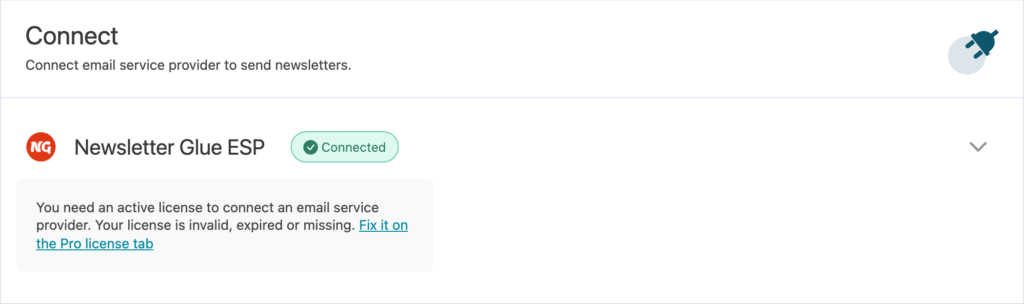
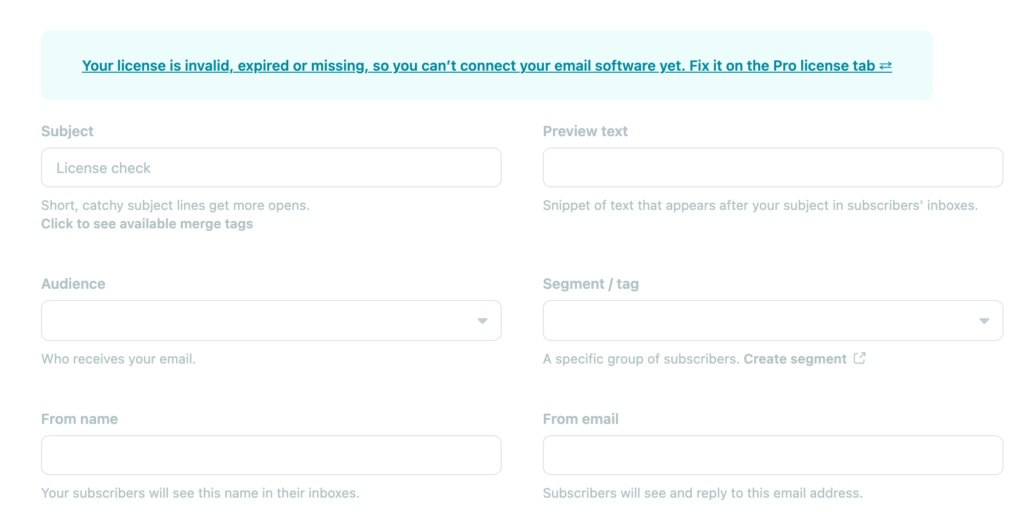

Your newsletters, lists and settings stay where they are. To fix it, add or renew your license under Newsletters > Settings > Pro license.