
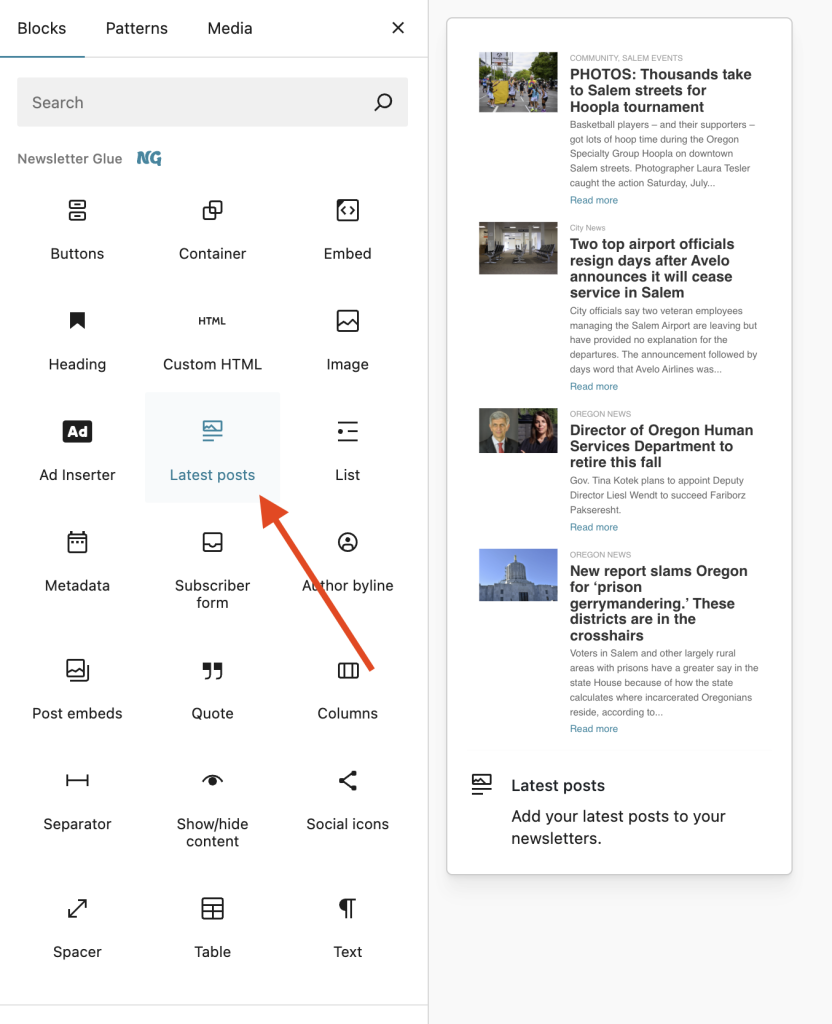
RSS feeds can be added to Newsletter Glue via the Latest Posts block.
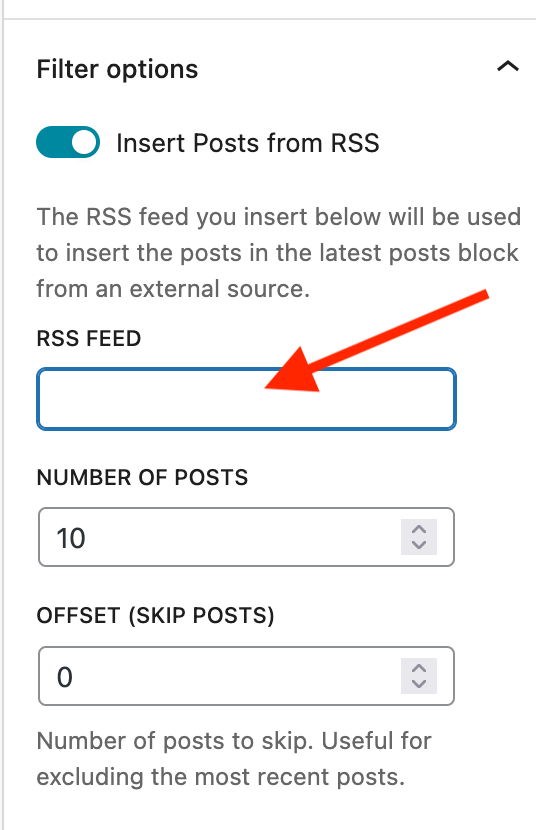
In the block settings, scroll until you find “Filter options” and toggle on the “Insert Posts from RSS” option.
Paste the RSS feed link (can be virtually any RSS feed URL) you’d like to pull content from and select “Update block” to trigger the import.
You can then modify the styling/formatting as desired.
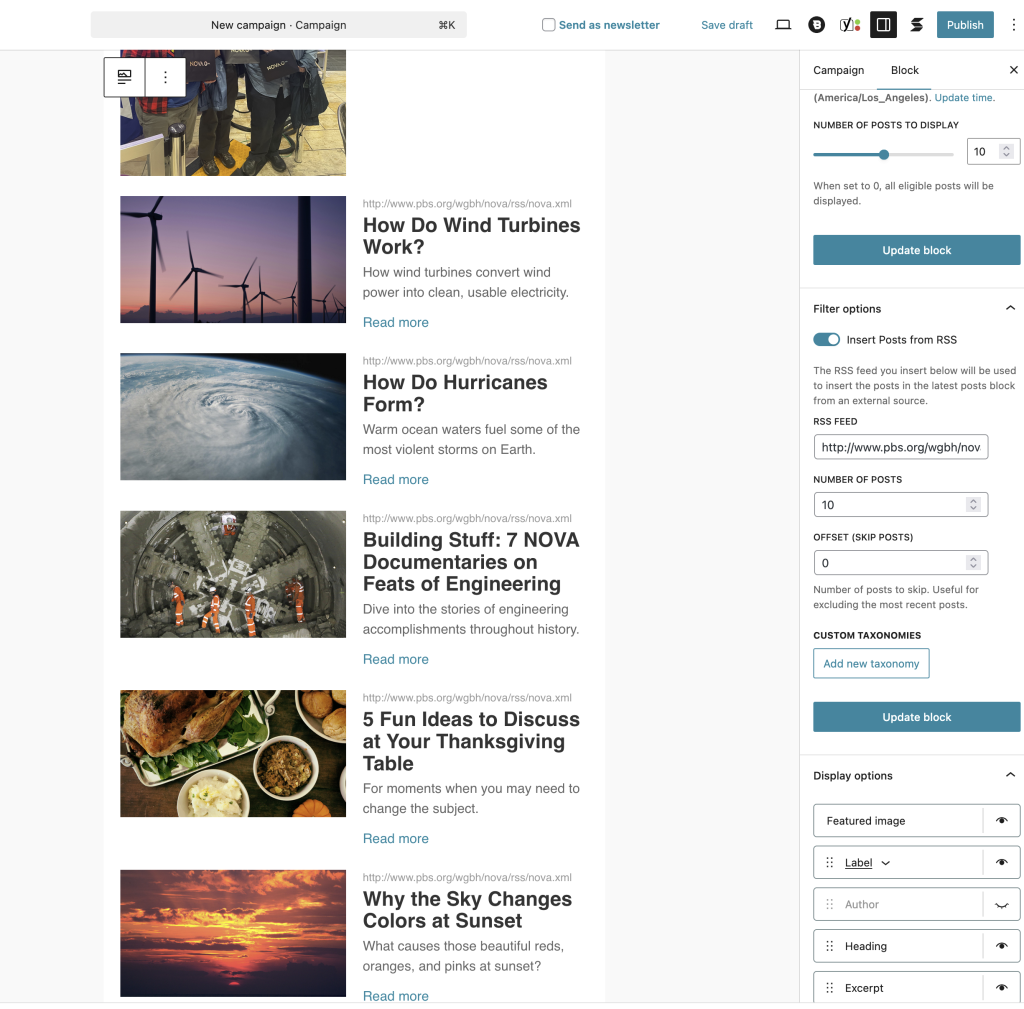
And that’s it! You’re ready to send a newsletter that contains content via RSS.