
To create transactional emails for Leaky Paywall using Newsletter Glue, go to Newsletters -> Emails -> Transactional email.
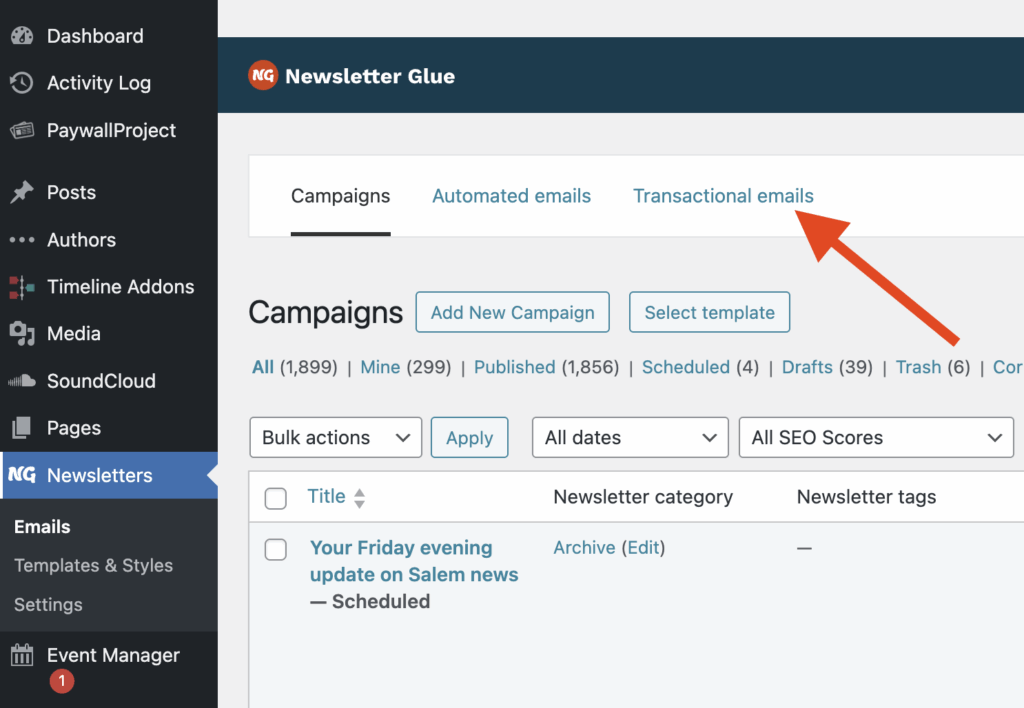
Select Add New Transactional email.
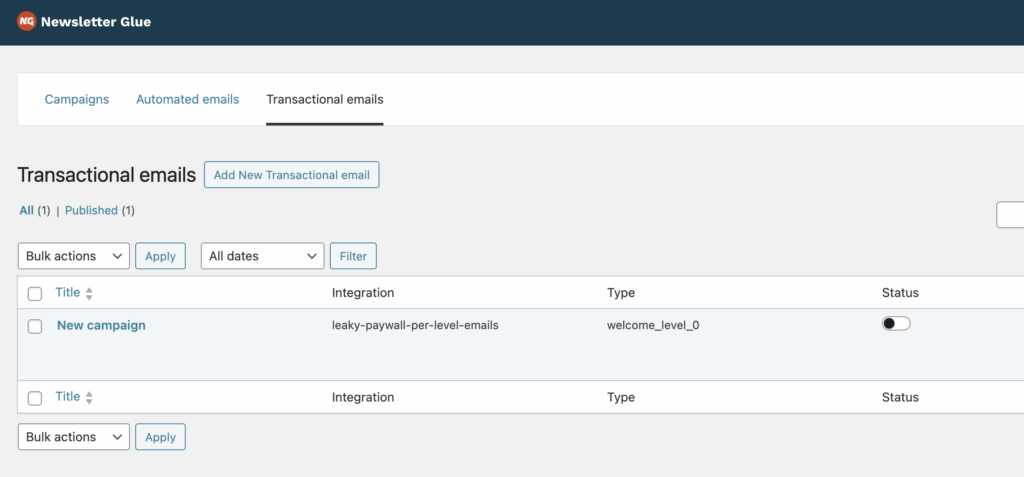
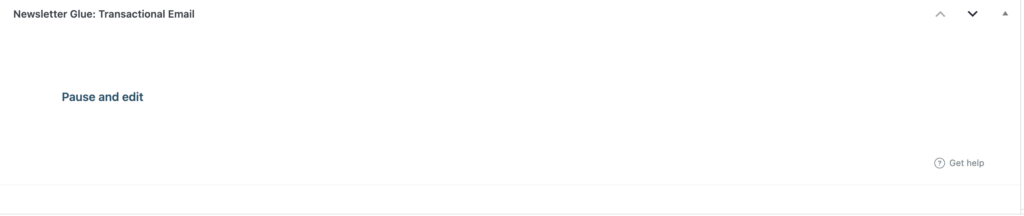
Scroll to the bottom and select Pause and edit.
Select the desired integration. Newsletter Glue currently supports Leaky Paywall transactional email types. For this example, we will select the Leaky Paywall integration.

Next, select the Email Type. In this case, we’ll select Welcome.

Design your transactional email.
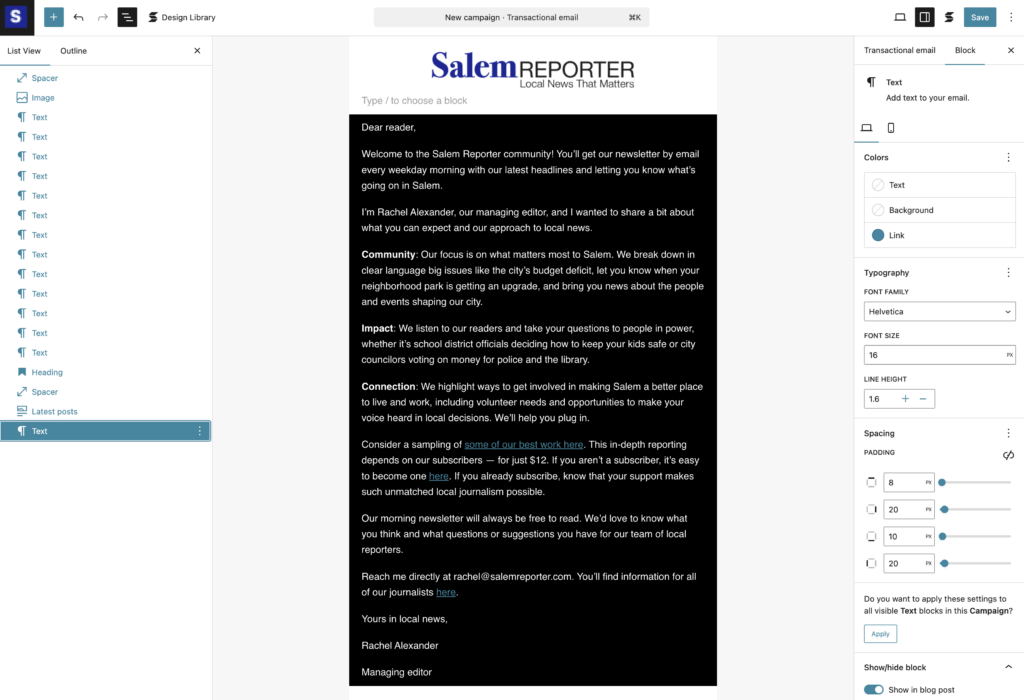
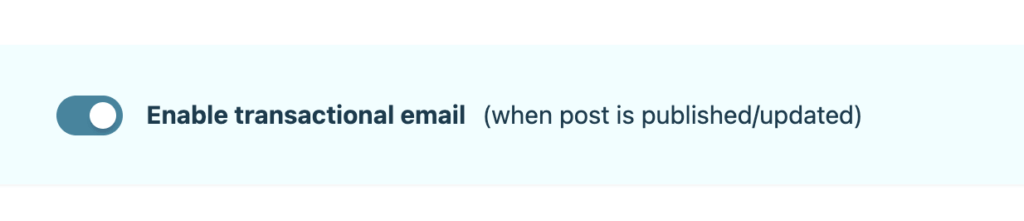
Once complete, don’t forget to enable and publish.
That’s it! Your new Newsletter Glue-designed transactional email for Leaky Paywall is now live. Whenever a new subscriber signs up, they’ll receive your new Newsletter Glue email which overrides the default message from Leaky Paywall.